
Built for tradesmen & small service‑based businesses
I built adminpal to take business admin off the plate of busy tradespeople. It started with my dad.
He was brilliant on the tools and buried by everything else: invoices put off for days, receipts loose in the van, mileage never logged, deadlines always creeping up. I’m a software developer, so I built the thing he needed. Simple enough to use from your phone, powerful enough to run the whole admin side of a trade business, whatever way works for you.
Alex Solek — founder, adminpal
Made for UK trades:
Run your admin from WhatsApp
whenever it suits you.

On the drive home, between jobs, hands covered in grout: message adminpal in plain English and its AI reads what you need and does it. No logging in, no navigating menus — it's there when the portal isn't convenient.
Built around the things that actually make admin unbearable.
Quotes, receipts, diary, money: one calm place so you stay on the tools, not on the laptop.
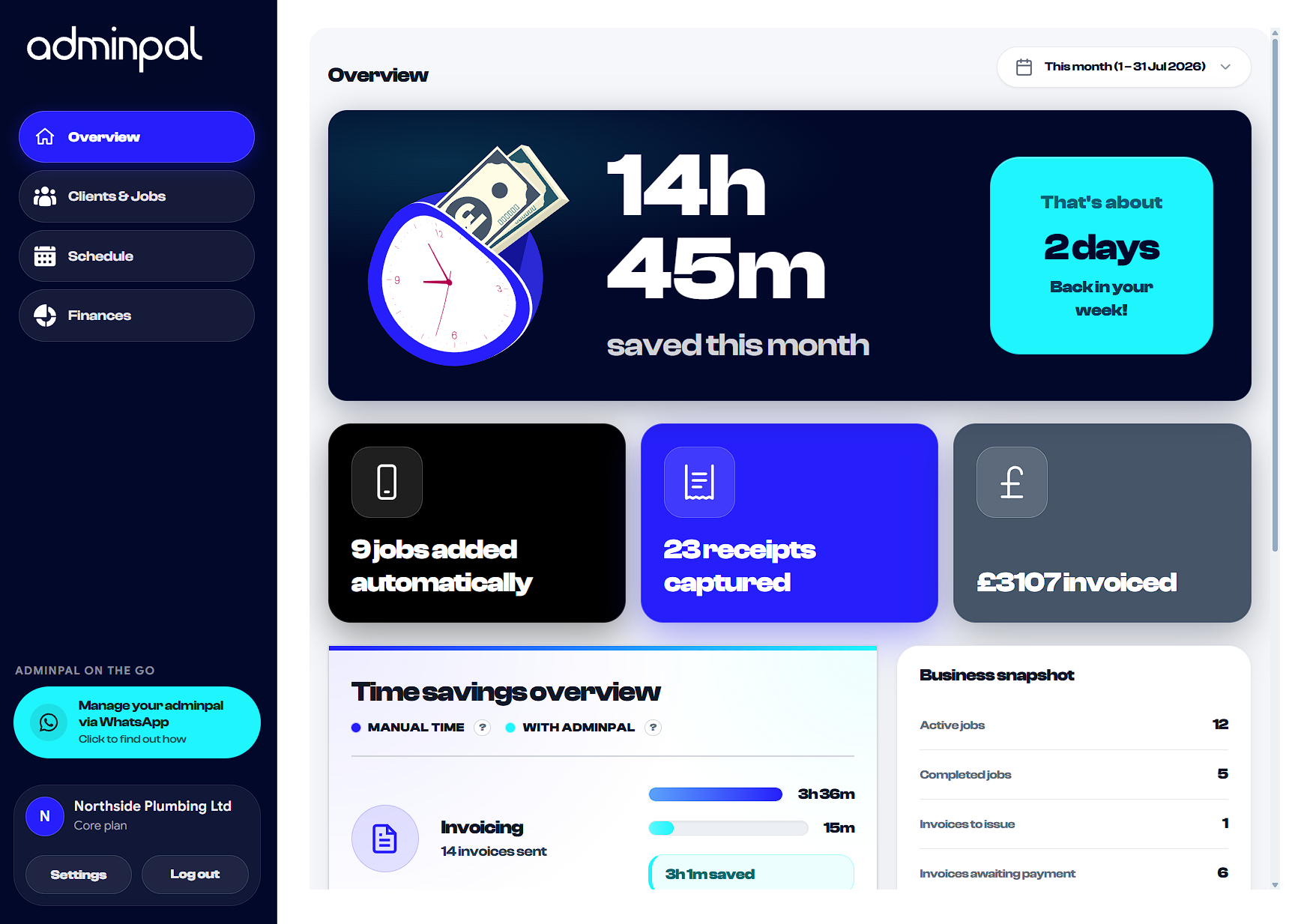
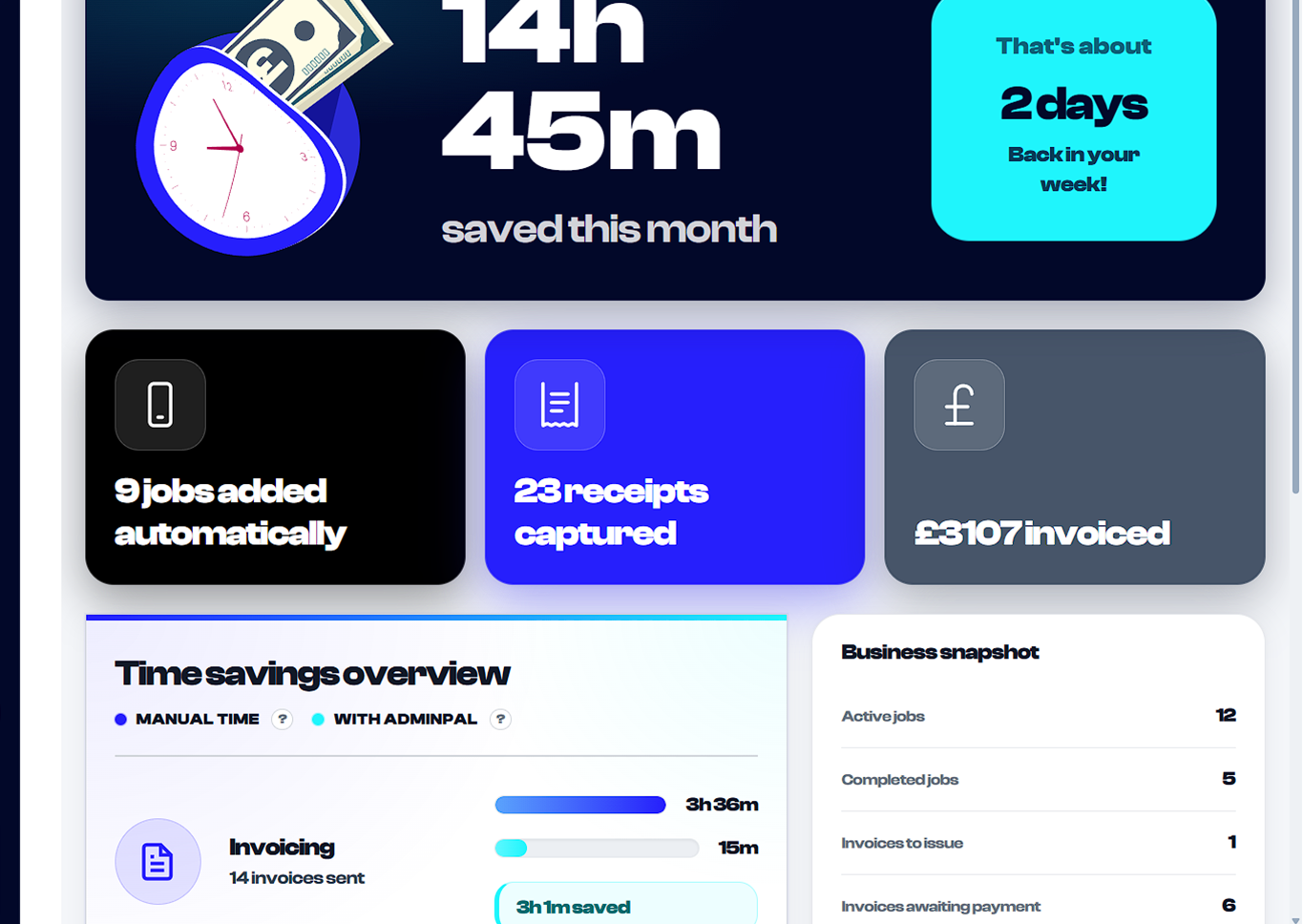
See if the month was worth it before the cash is gone.
Time saved vs doing it manually — spelled out, not guessed.

It works around you.
Not the other way round.
Run everything through WhatsApp and barely open the portal, stay hands-on and let automation take care of invoices and mileage, or mix both and switch it up week to week.
However you use it, nothing gets missed and you save time every week.
You’ll have it running
before you’ve finished
your brew.
There’s nothing complicated here, and no wrong way to use it.
Create your account
Two minutes. No card required. Have a look around the portal. It's designed to feel obvious from the start.
Add your first client and job
Do it in the portal or just tell adminpal on WhatsApp. Either way takes about a minute, and adminpal immediately starts working in the background.
Connect WhatsApp in 30 seconds
Scan a QR code and adminpal is in your contacts. Use it as much or as little as you like. It's there whenever the portal isn't convenient.
Work the way that suits you
Let adminpal handle everything, manage it yourself, or meet somewhere in the middle. There's no right answer, just less admin, however you prefer to do it.

Three plans. All cheaper than the time you're losing.
No contracts. No hidden fees. Cancel whenever you like.
 Starter
  Core
Core  Pro
Pro Frequently asked questions

No. If you can send a WhatsApp message and use a website, you can use adminpal. Most people run the day-to-day from WhatsApp and only open the portal when they want the bigger picture. There is no training course and nothing to install.
Your data is encrypted, stored on secure UK-based servers and backed up regularly. Only you and the team members you invite can see your clients and jobs — we do not sell data or share it with anyone else. You can export everything or delete your account whenever you want. See our Privacy & Cookie Policy for the detail.
Yes. On the Core and Pro plans you can add team members, and you can export your invoices, expenses and mileage at any time to hand over at year end. adminpal keeps financial records for six years so the trail is there when your accountant needs it.
adminpal tracks your income and expenses as you go and gives you a running estimate of your tax position and, where relevant, VAT — so there are no nasty surprises in January. Those figures are guidance to help you plan; your accountant or HMRC filing is still the final word.
Nothing breaks and nothing is lost — we will let you know you are close, and you can upgrade in a couple of taps if you need more headroom. The limits are sized so most sole traders comfortably fit the Starter or Core plan.
Cancel any time from your settings — no phone calls, no notice period. You keep access until the end of the month you have paid for, and you can export all your data on the way out. There are no contracts and no exit fees.
Questions?
Get in touch.
If anything is unclear or you want to talk through how adminpal fits your business, drop us a line or call.




Built for people who do the actual work
2026 adminpal is part of Solek Digital Ltd, registered in England and Wales No. 16185233.